Get Started in Minutes
Follow these simple steps to start streaming. Many apps will work, but as a company we recommend iMPlayer for phones and tablets, XOTT Player for Samsung Smart TVs and LG Smart TVs, and IBO Player as our top runner-up TV option.
Samsung and LG Smart TV setup
If you want to use a Samsung Smart TV or LG Smart TV, download XOTT Player. When you open the app, you will see your device MAC address. Email us your MAC address and the email address you used to sign up, and we will connect your account to the XOTT Player app for you.
If you want a second TV option, IBO Player is still a strong backup choice. For that app, just follow the app directions and use the login details from your email.
Step 1 — Download iMPlayer
Search for iMPlayer in the App Store or Google Play and install it for free.
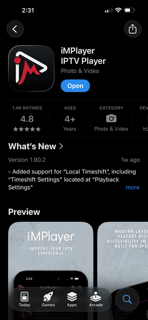
Many apps work. iMPlayer is our recommended mobile option, XOTT Player is our main Samsung and LG smart TV option, and IBO Player is our runner-up TV option.
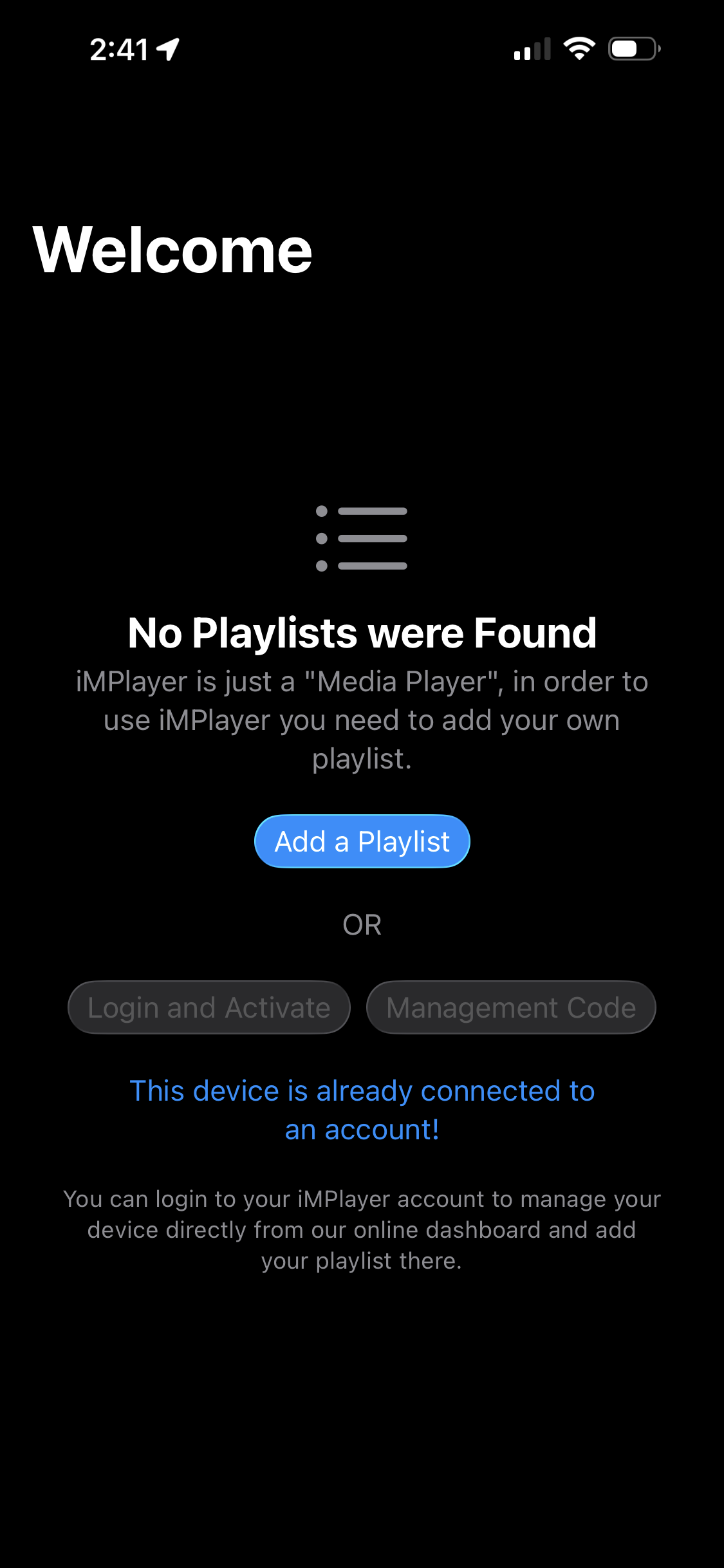
Open iMPlayer & Tap "Add Playlist"
Open the app. At the bottom of the screen tap "Add Playlist" to get started.
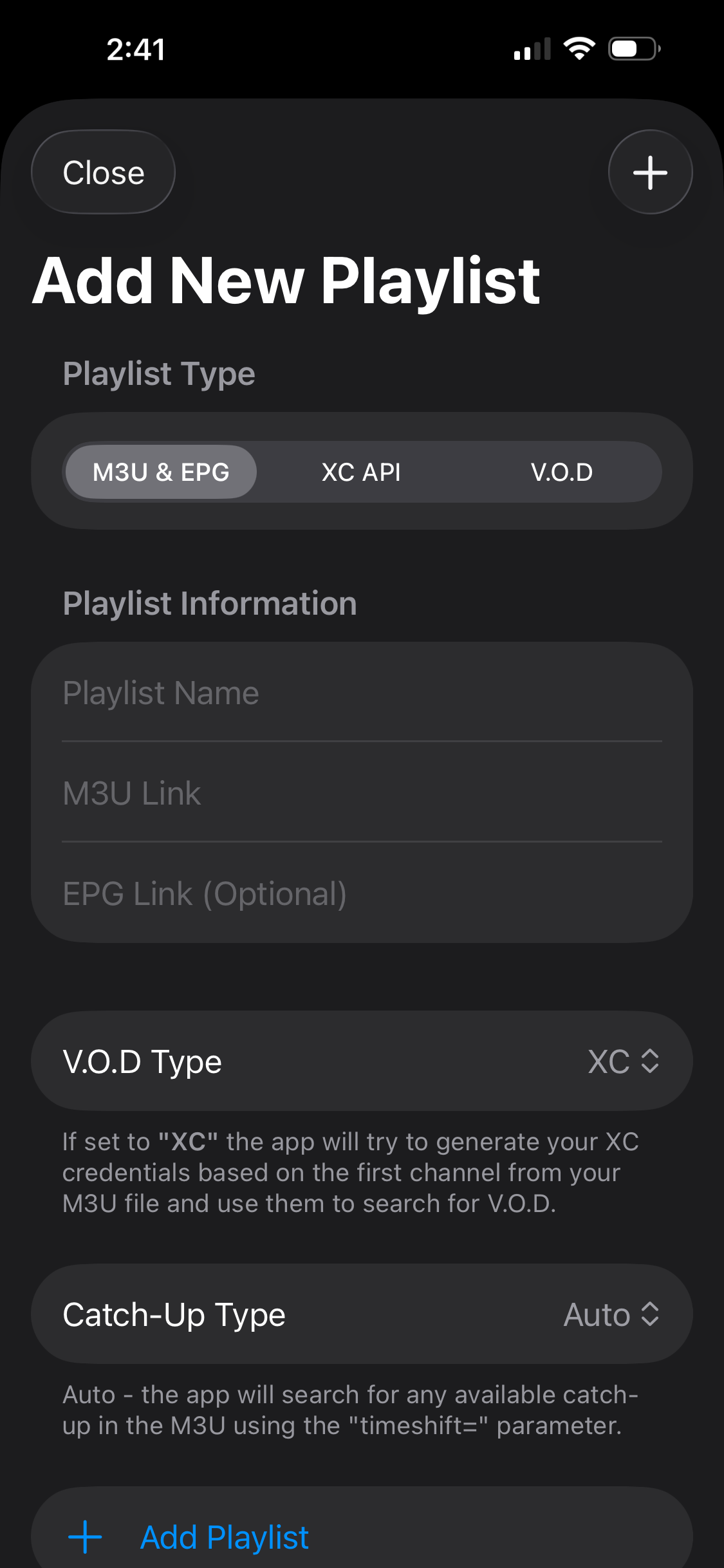
Select "XC API"
You'll see a few options — tap "XC API". This is the option that lets you log in with your username, password, and server URL.
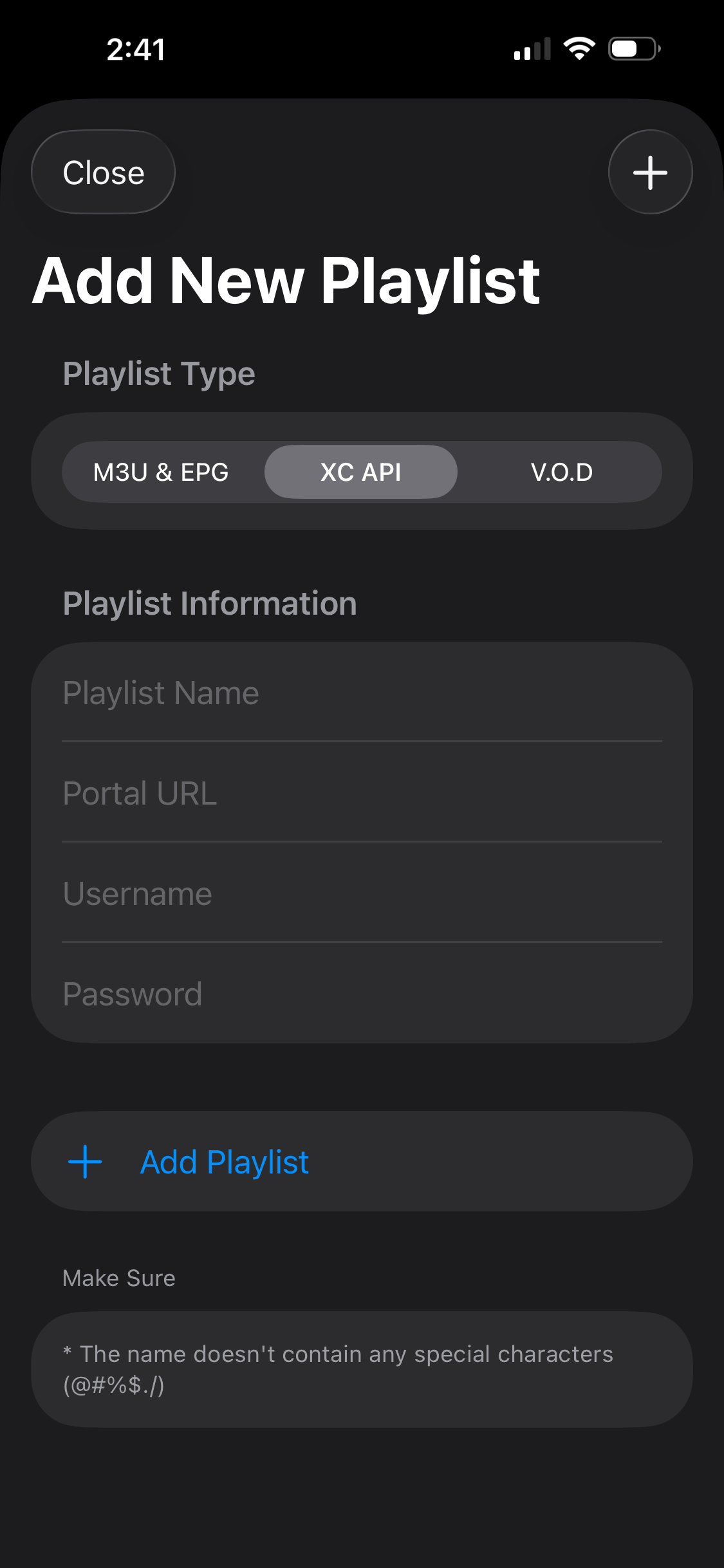
Enter Your Login Details
Copy your credentials from the email we sent you and enter them exactly as shown below:
| Portal URL | http://line.trxdnscloud.ru |
| Username | From your email |
| Password | From your email |
| Playlist Name | EliteStreamHub (or anything you like) |
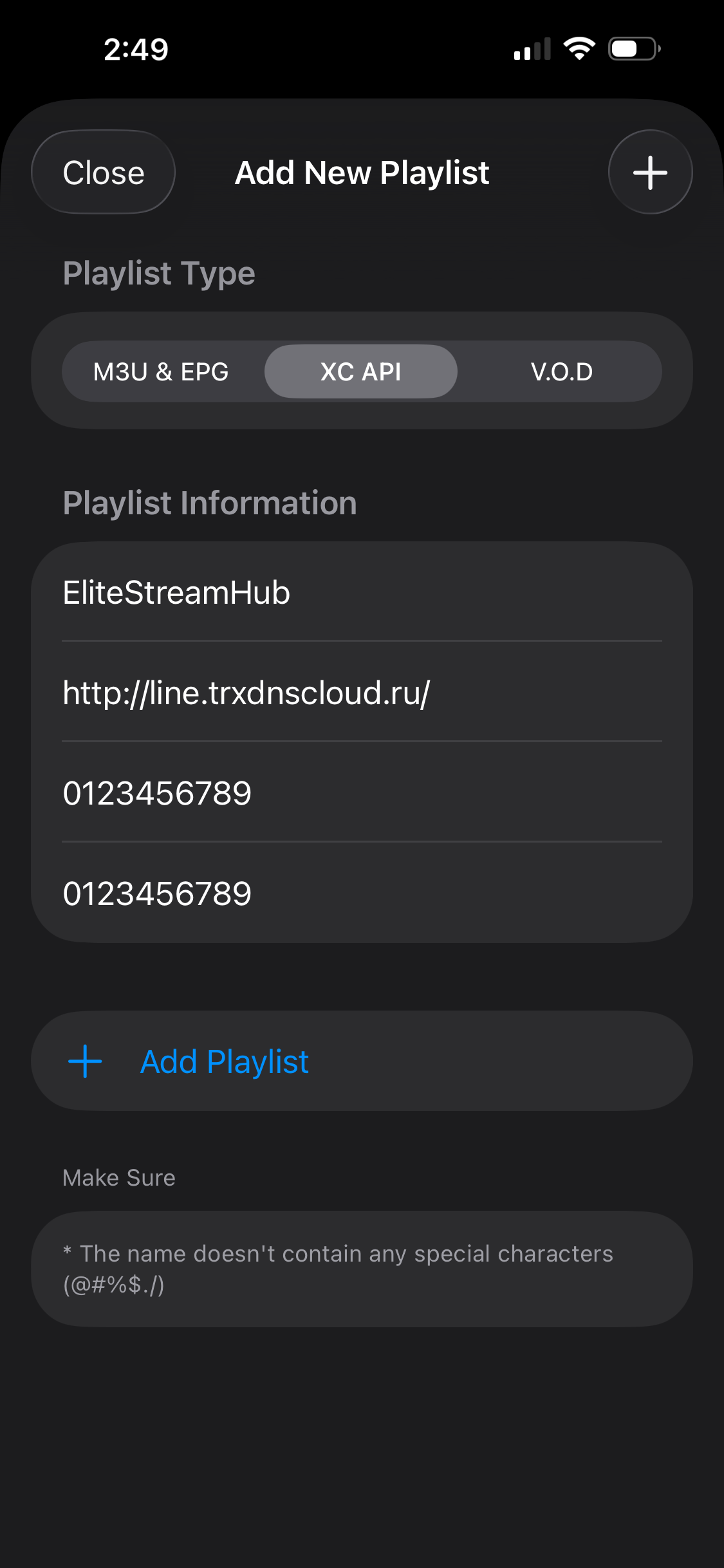
Tap Add & Start Watching!
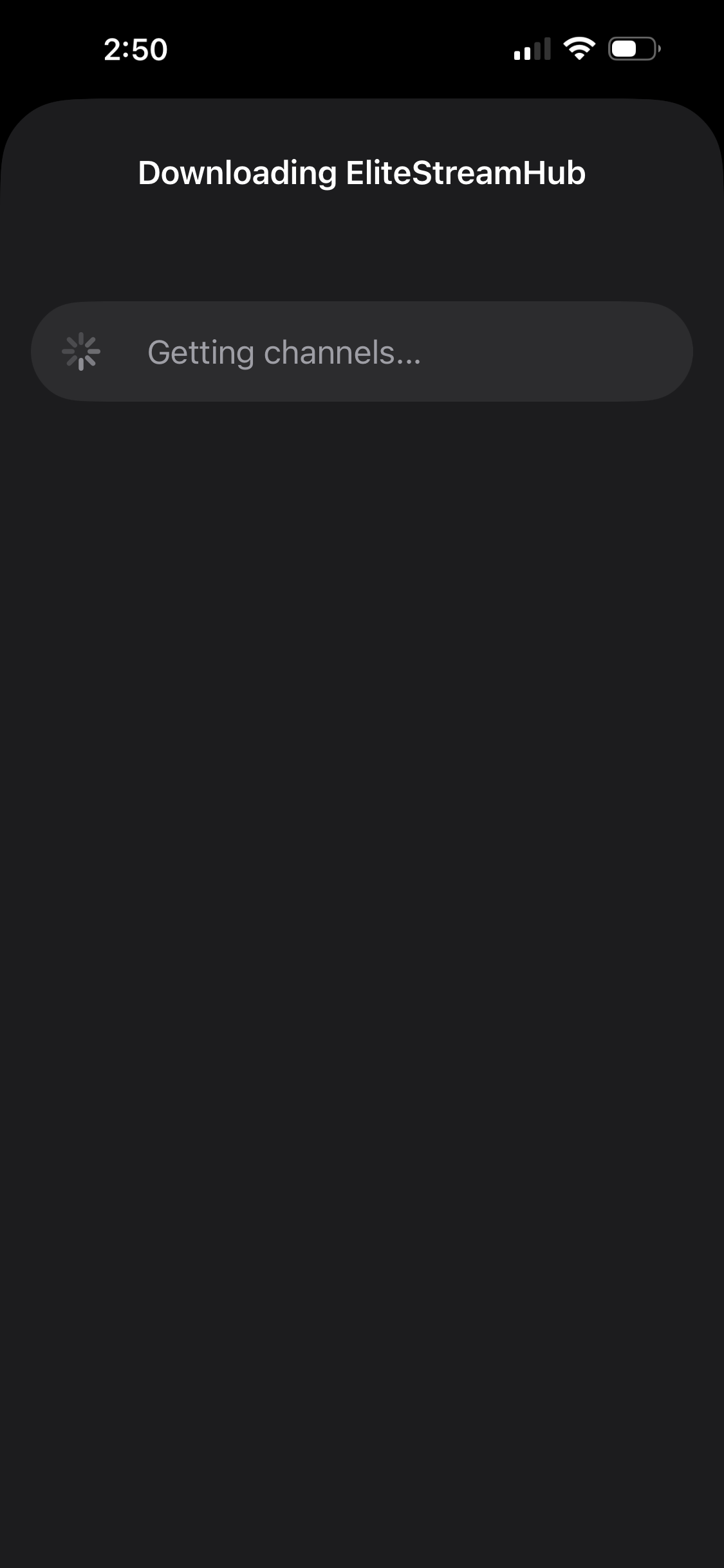
Tap "Add" and iMPlayer will load all your channels automatically. Live TV, movies, sports, and more will be ready to go.
Need Help?
If you run into any issues getting set up, we're here to help. Email us and we'll get you sorted out fast.
Contact Support